
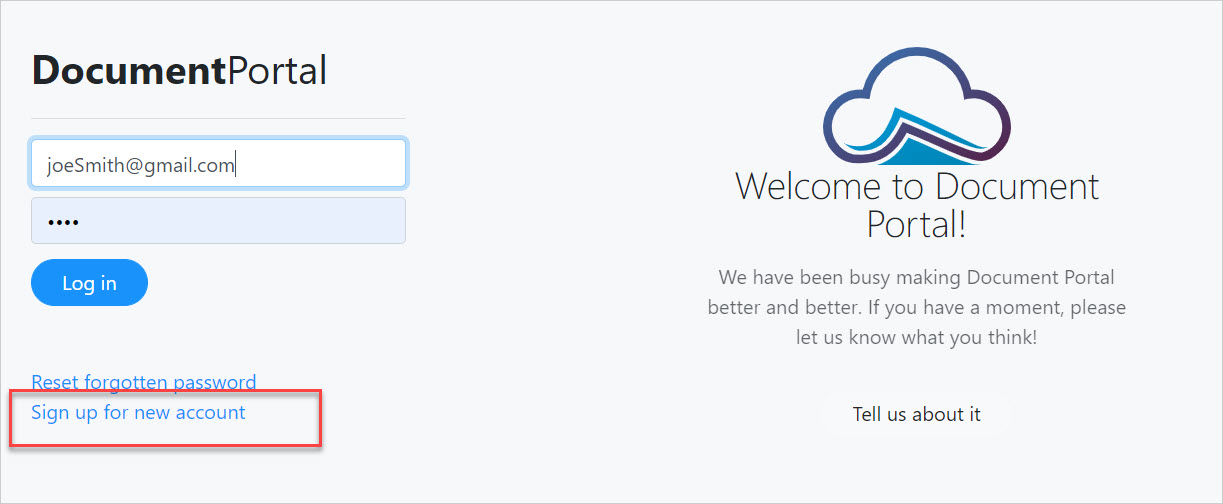
You can set up a Document Portal Account for another company with its own billing plan by logging out of Document Portal and clicking the "Sign up for new account" hyperlink.
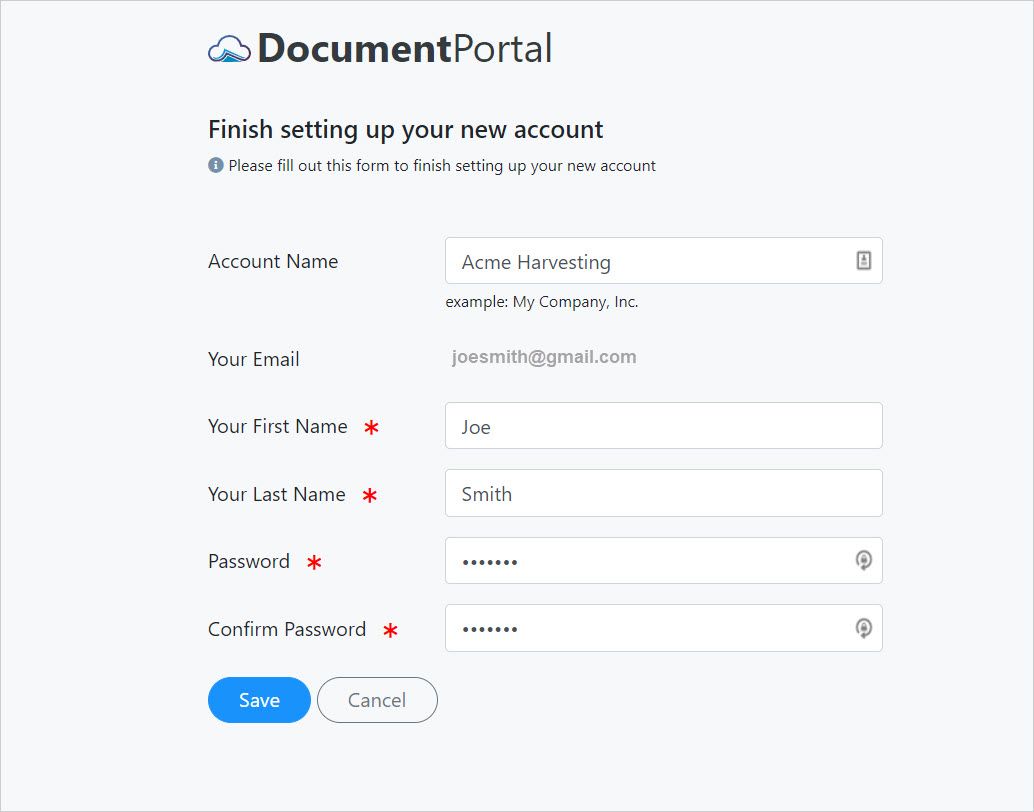
Check your email account (be sure to check your Junk Email folder) for the confirmation email then click on the hyperlink within that email message to open the "Finish setting up your new account" screen. When prompted, enter the name of your company as well as your name and password. Please be sure to enter the same password that you would normally use to log in. Click the "Save" button to finish setting up the new account.
Note: You will be the Admin User in the new account
Comments
0 comments
Please sign in to leave a comment.