
The fields on each Person's data entry screen can be rearranged and modified using the Data Entry Fields option. Click the drop-down button at the upper-right side of the screen then click "Data Entry Fields".
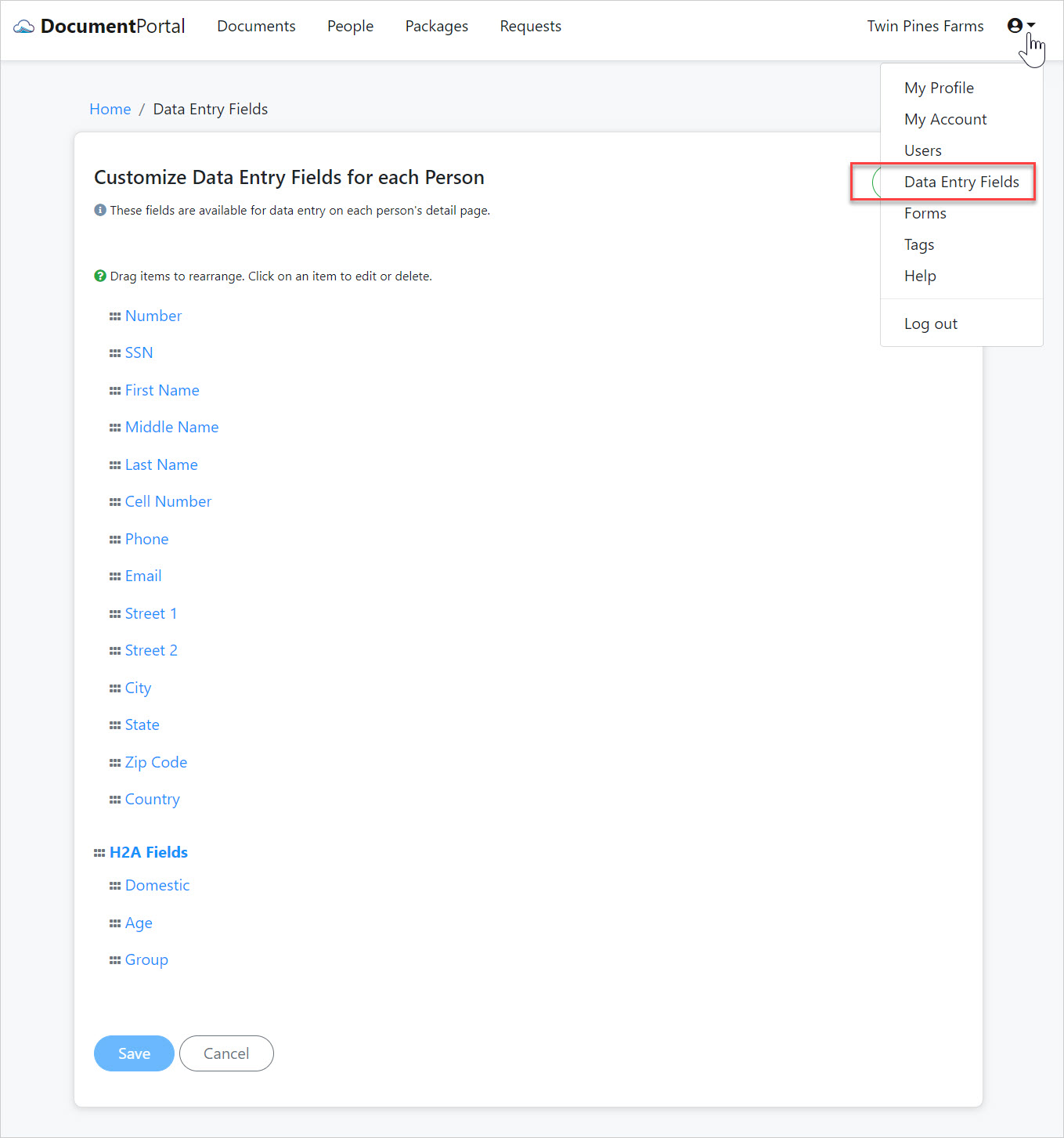
Use your mouse to click on any of the "grab handles" (to the left of each label) and move the mouse slightly until the cursor changes shape. Drag the item up or down to change its position in the list.
Comments
0 comments
Please sign in to leave a comment.