
When documents are created by Merging Forms, Document Portal uses Form Mappings for each merged form to determine which information in Document Portal should be mapped to each of the fields in the PDF Form.
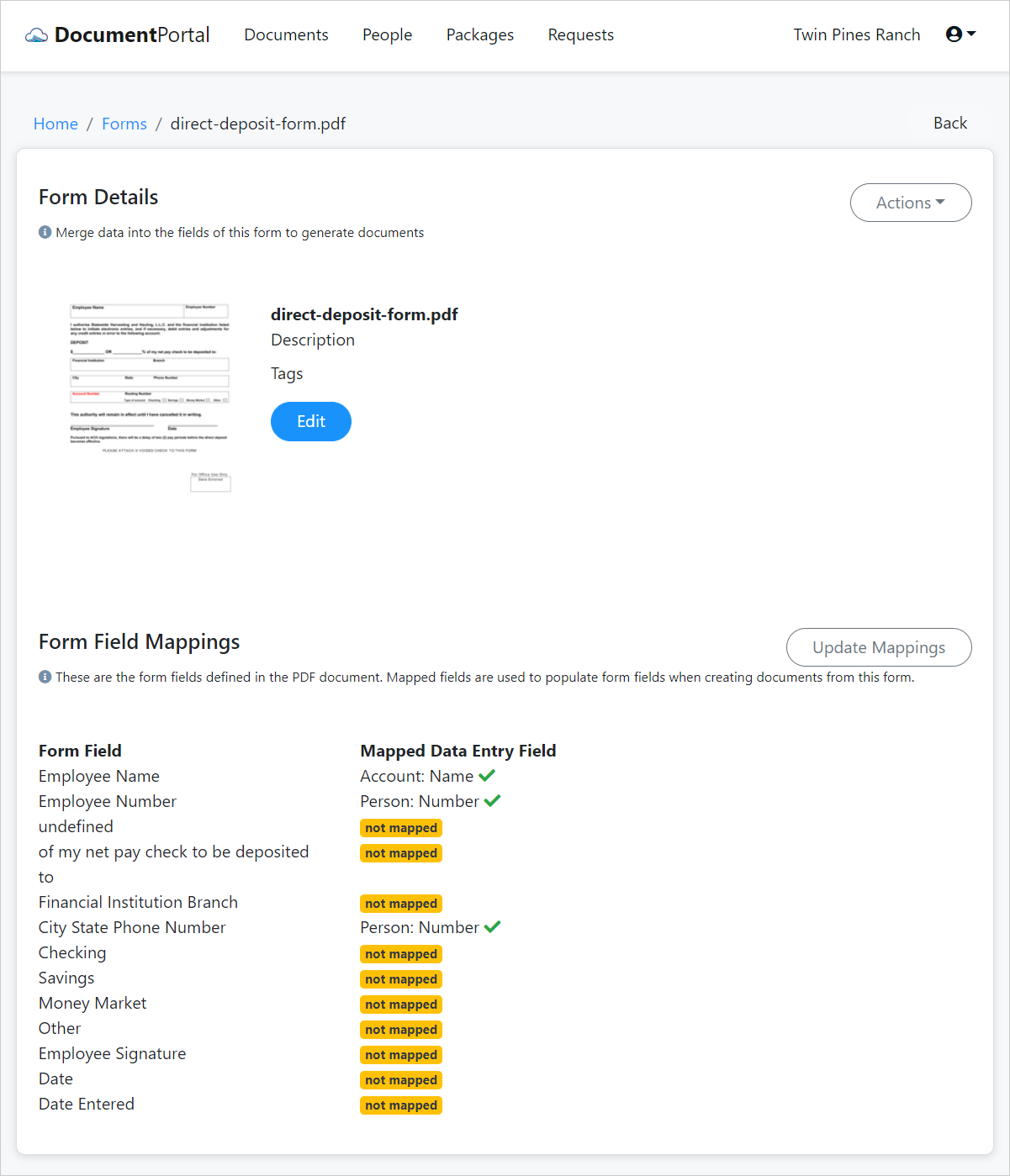
The form illustrated below includes form fields which are not mapped or which have been incorrectly mapped. For example, the Form Field Employee Name has been incorrectly mapped to Document Portal's Account Name field. Other fields such as Date are not mapped at all.
Tip: The Form Field Mappings list identifies the Form Fields that are defined within the Pdf Form Document which was uploaded into Document Portal. If there are no Form Fields listed, please check out the support topic How to create Form Fields.
Comments
0 comments
Please sign in to leave a comment.