
This article is part of a 20-minute walkthrough which uses the scenario of hiring and onboarding H2A workers to show you how each of the features may be used by your organization.
What is My Account Information?
Your company name, address, phone number and other custom information can be used when merging data into forms.
The task:
Let's take a minute to set up your account information so we can see it appear on the forms that we merge a bit later in this walkthrough.
Click the drop-down button at the far upper-right side of the screen then click "My Account".
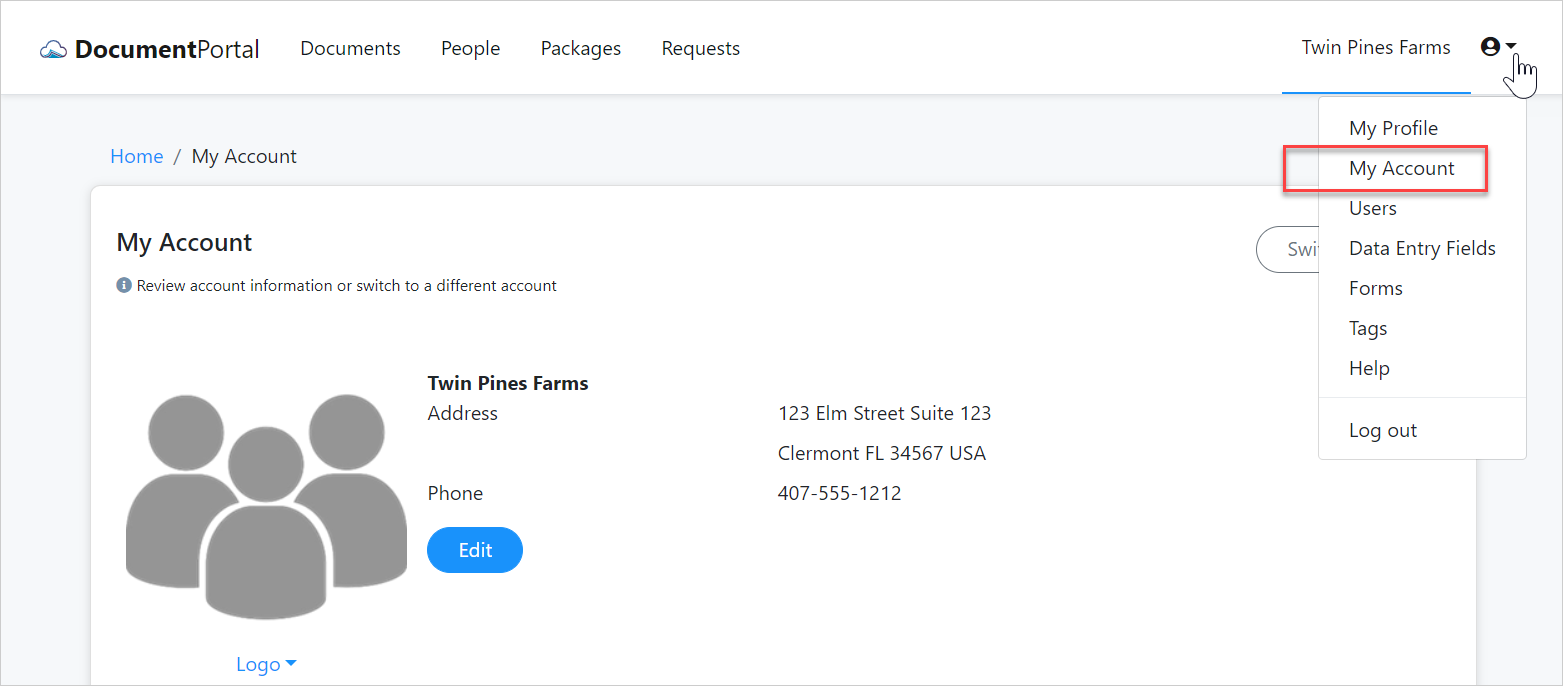
Click the Edit button to enter the name, address and phone number of your company. If you have a logo image file, you can upload it by clicking the "Logo" link. Otherwise, you can add the logo file later.
Continuing on
Now that you've entered your account information, we'll be able to see it in the forms we merge. Let's move onto the next step of creating Tags.
| 2. Create Tags |  |
Comments
0 comments
Please sign in to leave a comment.