
The "My Profile" screen allows a User to modify his/her name and email address. A User may change his/her password using the "Forgot Password" option on the Login page once logged out of Document Portal.
What is a User?
A User can access Documents, People, Packages, Requests and other information within a Document Portal Account. Since a User may be associated with other Document Portal Accounts, only the User may change his/her email address and password.
How to find the My Profile Screen
Click the drop-down button at the upper-right side of the screen then click "My Profile".
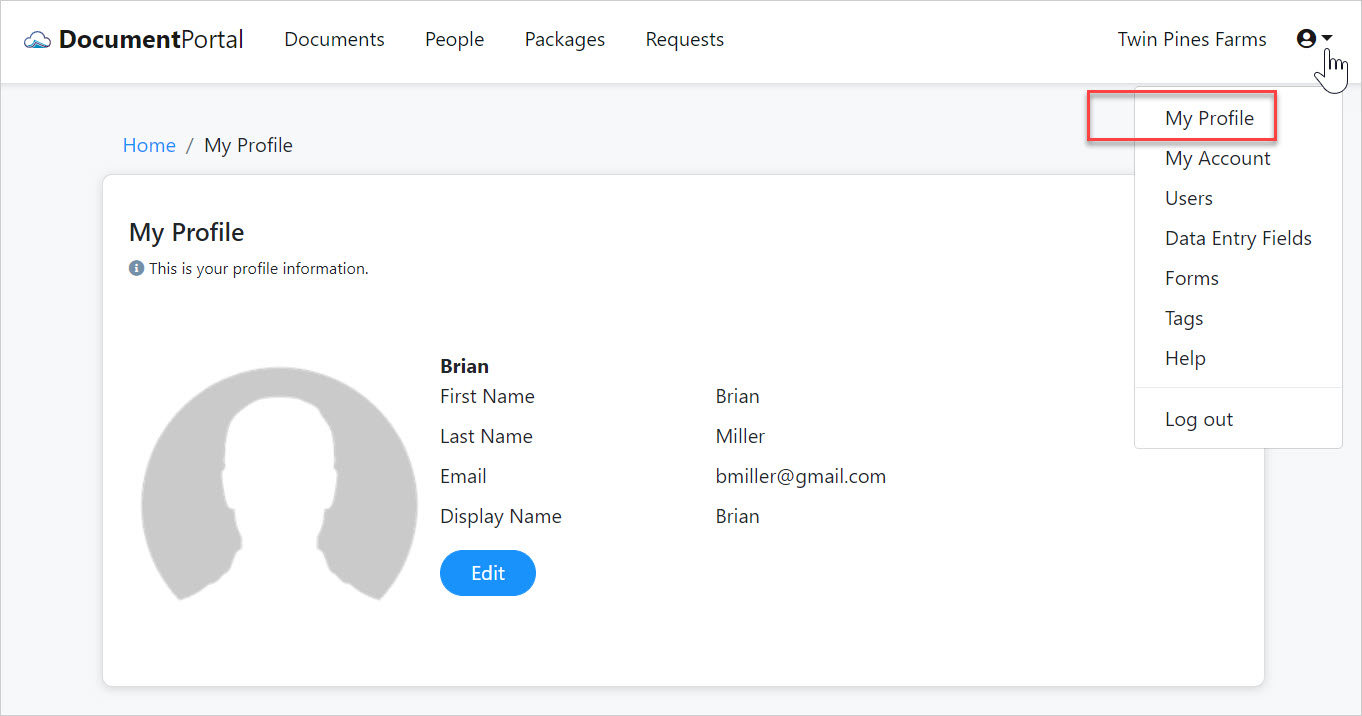
My Profile options
Once you've loaded the My Profile screen, you can perform the following actions.
Edit your information. Click the Edit button modify your name, email address and display name. When changing your email address, please ensure that you can receive emails at that address since it will be used to reset and recover passwords.
Comments
0 comments
Please sign in to leave a comment.