
Import records are created whenever an Excel Import Template is used to add or update People within Document Portal. The "Import Details" screen provides information about the import as well as an option to download the imported file.
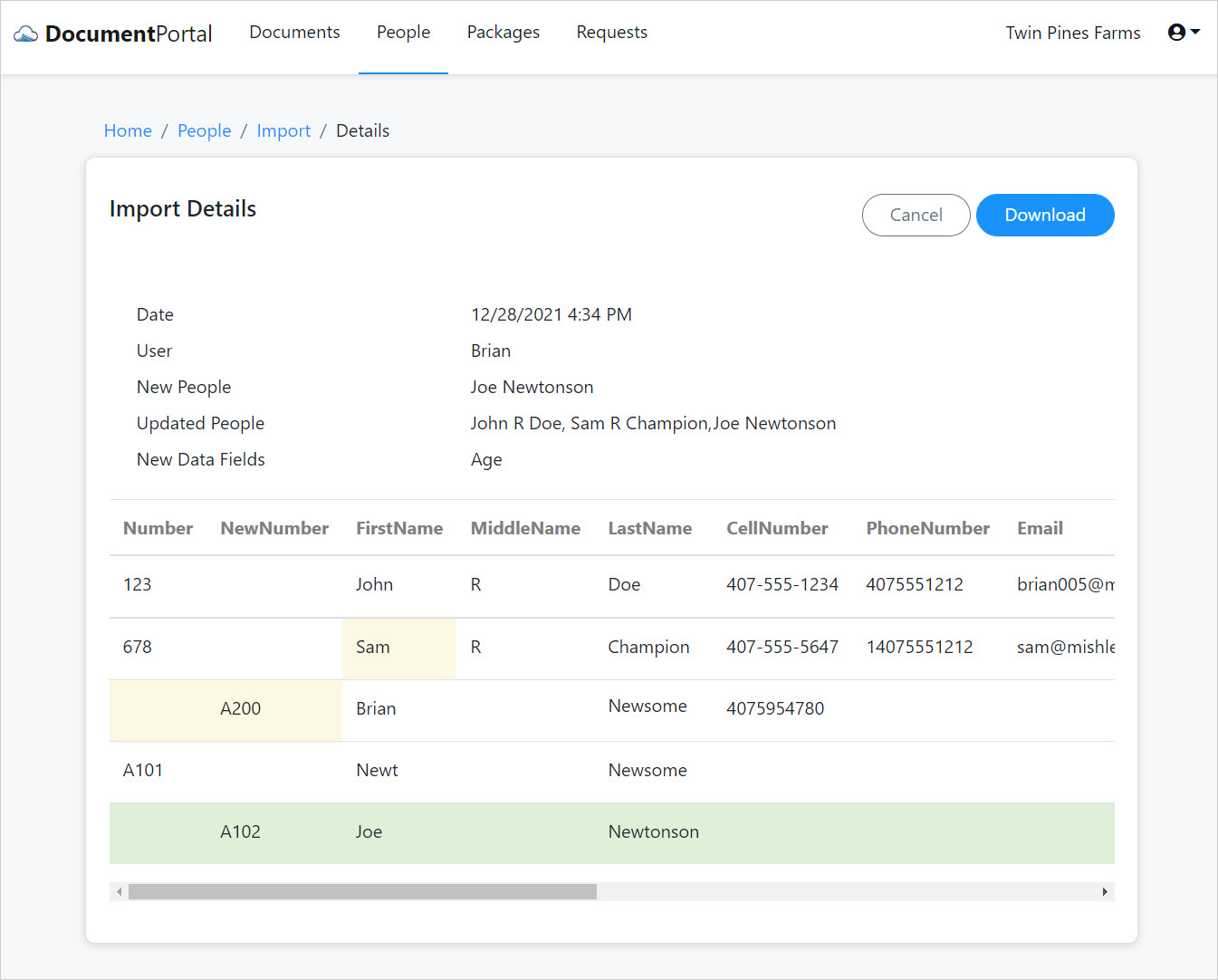
Import Details options
Once you've loaded the screen for an Import record, you can perform the following actions.
Review. The top of the screen provides a summary of changes and additions while the bottom of the screen highlights the specific values that were changed for each Person.
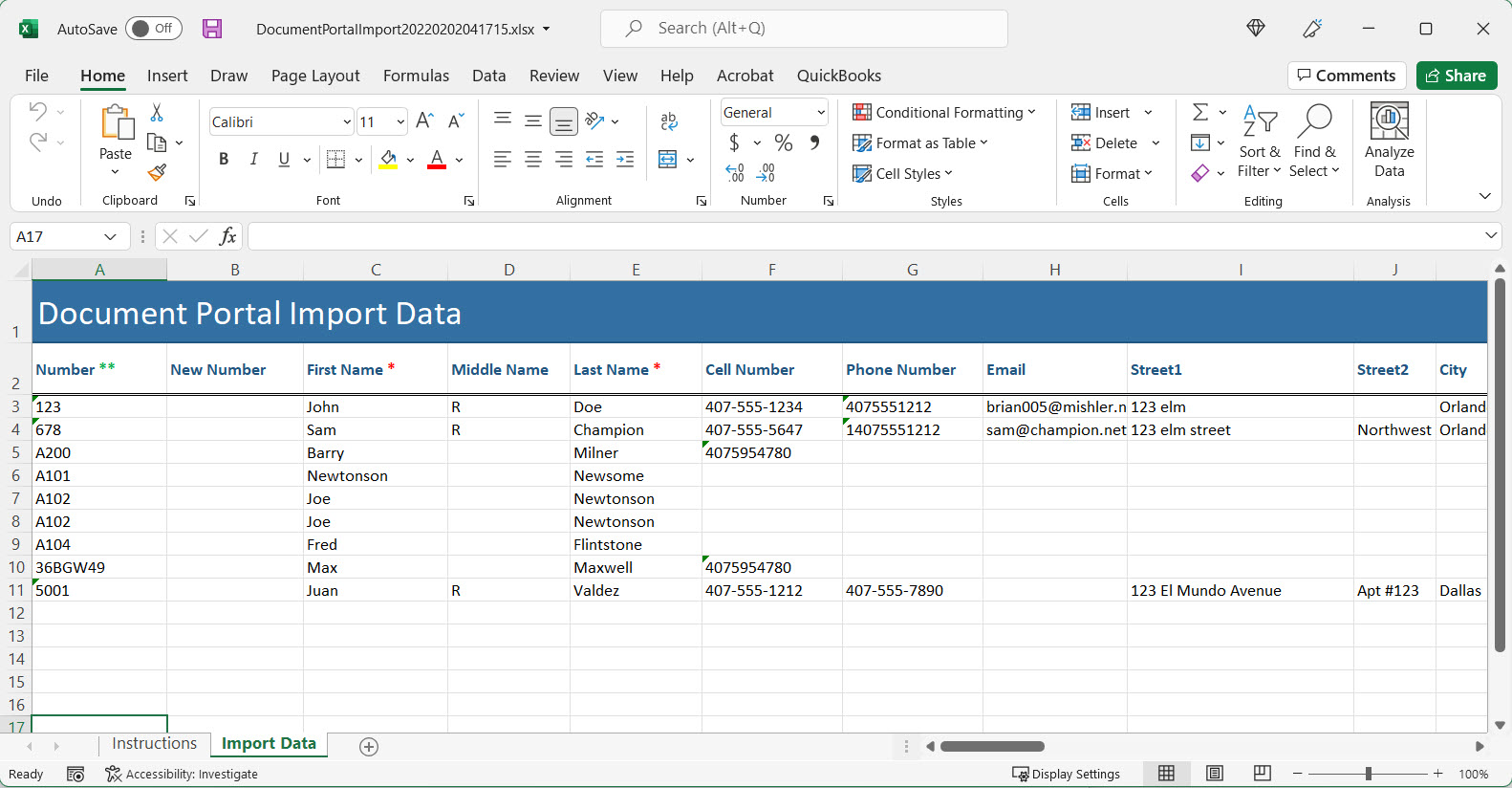
Download. Click the "Download" button to download the file that was imported. Once the file is downloaded, it may be opened using Microsoft Excel.
Comments
0 comments
Please sign in to leave a comment.